
What Is Image Burn-In? An Engineer's Guide to Preventing It in Industrial Displays
A faint, ghostly image of a static icon lingering on your HMI screen after the interface changes is more than just an annoyance—it's a sign of potential display failure that can undermine your product's reliability. This phenomenon, often called image burn-in, is a critical concern for industrial applications with static content. But is the damage temporary or permanent? And more importantly, how can you prevent it? This guide provides the engineering answers.
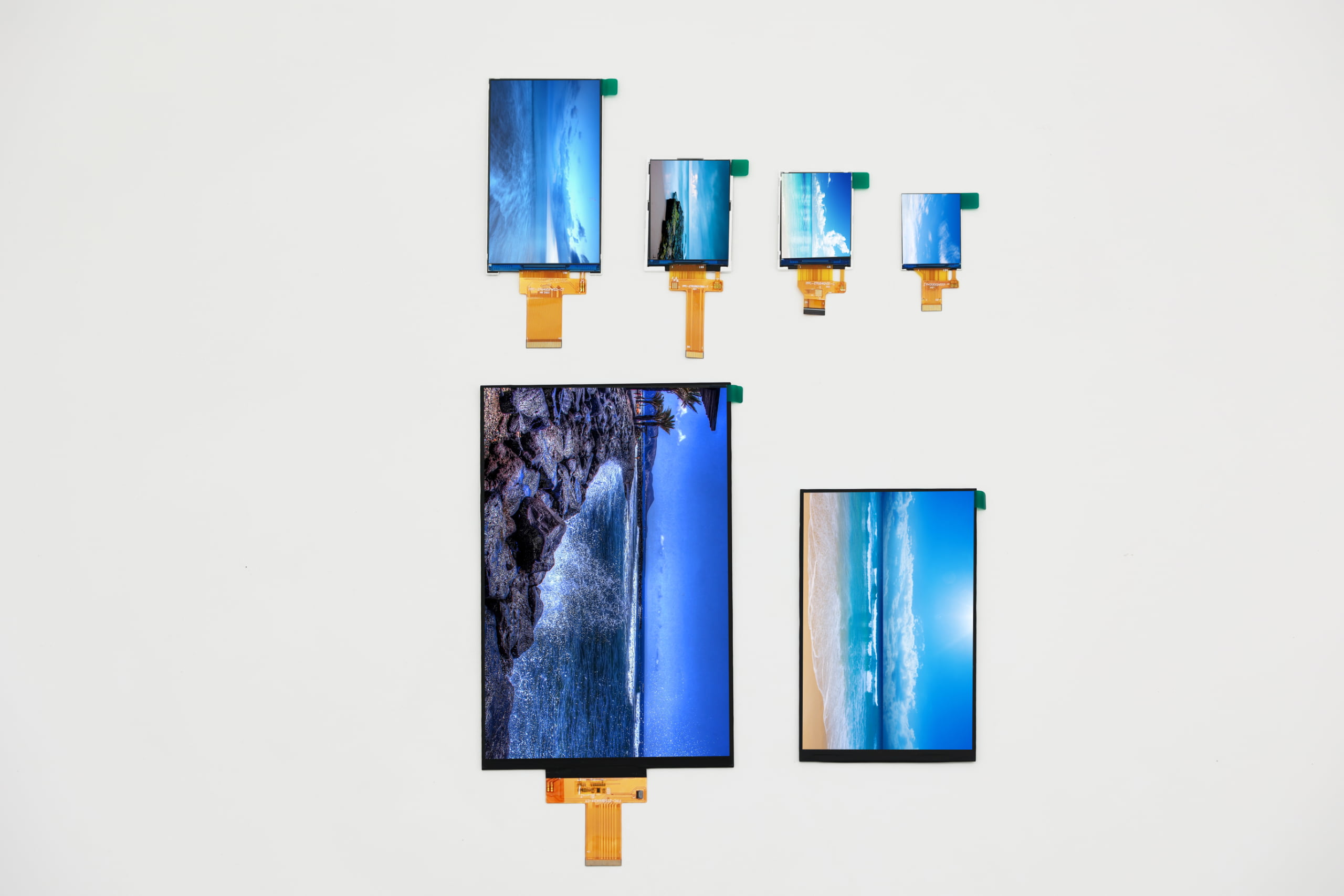 Recommended image filename: tft-lcd-image-burn-in-example.jpg
This guide will cover:
- The critical difference between temporary image retention and permanent burn-in.
- The root cause of "ghost images" at the liquid crystal level.
- Which industrial applications are most susceptible to this issue.
- Effective software and hardware strategies to mitigate all risks.
- Practical steps to reverse temporary image retention.
- How to specify a display to ensure long-term reliability.
What is the critical difference between temporary image retention and permanent image burn-in on a TFT LCD?
In short: Image retention is a temporary electrical effect, while true burn-in is permanent physical degradation. While the terms are often used interchangeably, they are fundamentally different. Understanding this distinction is the first step in effective prevention.
Think of image retention as temporary muscle fatigue, while true burn-in is like a permanent scar.
| Characteristic | Image Retention ("Ghosting") | True Image Burn-In |
|---|---|---|
| Root Cause | Electrical charge buildup (DC bias) causing liquid crystals to get "stuck." | Physical degradation of the liquid crystal material or polarizers from heat/UV. |
| Duration | Temporary. Can last from seconds to several days. | Permanent and irreversible. |
| Reversibility | Yes. Can often be cleared by powering off the display or showing dynamic content. | No. The physical damage cannot be undone. |
| Technical Name | Image Sticking, Image Persistence | Mura, Display Burn-in |
In the world of TFT LCDs, over 95% of what people call "burn-in" is actually reversible image retention. True burn-in is rare but possible under extreme conditions.
What happens at the liquid crystal level to cause "ghost images"?
The core culprit behind image retention is an electrical phenomenon called DC Voltage Bias.
TFT LCD pixels are designed to be driven by an alternating current (AC) signal. The liquid crystals are constantly twisting and untwisting in opposite directions, keeping them agile. However, if a tiny, unwanted direct current (DC) component is present in the driving signal while displaying a static image for a long time, problems begin.
Imagine the liquid crystals are tiny compass needles. The DC voltage acts like a small, constant magnet. Over time, this constant force causes ions (impurities) within the liquid crystal layer to migrate and accumulate at the edges of the pixel electrodes. This built-up charge creates an internal electric field that partially opposes the driving voltage, making the pixels "lazy" or "sticky." When the image finally changes, these pixels are slow to respond, leaving behind a faint ghost of the previous image.
Are certain industrial applications more prone to image burn-in?
Yes. Any application that displays static UI elements for prolonged periods is at high risk. The longer a pixel is held at a constant voltage, the more likely it is to experience charge buildup.
High-risk applications include:
- Human-Machine Interfaces (HMIs): Static logos, navigation buttons, status bars, and alarm indicators that are always on screen.
- Digital Signage: Company logos, borders, clocks, and ticker tapes that remain in a fixed position for hours.
- Medical Monitors: Fixed readouts for vital signs (heart rate, blood pressure), grid lines, and patient information displays.
- Point-of-Sale (POS) Systems: Persistent menu layouts, payment prompts, and branding.
 Recommended image filename: medical-monitor-static-display.jpg
Which TFT LCD technologies are inherently more resistant to image burn-in?
While no technology is completely immune, some are inherently more robust. IPS (In-Plane Switching) and its variants (like ADS, FFS) are generally more resistant to image retention than older TN (Twisted Nematic) and VA (Vertical Alignment) technologies.
The liquid crystals in an IPS panel are aligned horizontally and rotate in-plane. This arrangement is less susceptible to the vertical charge buildup that can plague VA and TN panels, where crystals tilt vertically. However, a well-designed VA or TN display with proper driving electronics can still perform excellently. The panel technology is just one piece of the puzzle.
What are the most effective software strategies to prevent burn-in?
Software is your first and most powerful line of defense because it can be implemented without changing hardware.
- Pixel Shifting / Orbiting: This is the most effective technique. The entire on-screen image is subtly moved by a few pixels periodically (e.g., every 5 minutes). The movement is imperceptible to the user but ensures that no single pixel is continuously displaying the same color, preventing charge buildup.
- Use a Dynamic Screensaver: Instead of a static logo, use a screensaver that is constantly in motion or simply turns the screen black during idle periods. A black screen allows the liquid crystals to relax to their natural state.
- UI Design Best Practices: Avoid using high-contrast, static elements. For example, use shades of gray instead of pure black and white for borders and backgrounds. If possible, make static elements like logos or clocks slightly translucent.
- Scheduled Full-Screen Refresh: Program the device to periodically (e.g., once every few hours during a low-use time) cycle through full-screen black, white, and gray images for a few minutes. This acts like a "reset" for all pixels.
Can hardware choices reduce the risk?
Absolutely. The quality of the display's driving electronics is just as important as the LCD panel itself.
- Driver Board Design (Polarity Inversion): A high-quality driver board implements a sophisticated polarity inversion scheme (like dot, column, or frame inversion). This ensures that the voltage applied to each pixel is meticulously balanced over time, canceling out any potential DC bias. This is the most critical hardware factor.
- Vcom Voltage Adjustment: The Common Voltage (Vcom) is a reference voltage for the panel. An accurately calibrated Vcom layer minimizes flicker and, crucially, reduces the residual DC that can cause image retention. Industrial-grade solutions often allow for fine-tuning this voltage.
- Backlight Management: High temperatures accelerate the chemical reactions that cause both temporary retention and permanent burn-in. Implementing an auto-dimming feature or automatically turning off the backlight during idle periods reduces heat, extends the backlight's life, and lowers the risk of image retention.
Is it possible to reverse or fix an LCD panel that already shows signs of burn-in?
For temporary image retention, the answer is often yes. For true, permanent burn-in, the answer is no.
If you are seeing a faint ghost image, follow these steps to attempt a fix:
- Power Off Completely: The simplest method is to turn off the device and unplug it from power for an extended period (24-48 hours). This allows the built-up internal charge to dissipate naturally.
- Display Dynamic Content: If a power-off cycle doesn't work, try running a full-screen, high-contrast video or a special-purpose "pixel-fixing" video for several hours. The rapid, constant changing of colors can help "unstick" the lazy pixels.
- Cycle Full-Screen Colors: Display full-screen images of pure white, black, red, green, and blue, holding each color for 10-15 minutes and repeating the cycle for an hour or two.
If these steps do not clear the image, the damage is likely permanent physical degradation of the liquid crystal or polarizers, and the panel will need to be replaced.
How do you specify and select a display to guarantee reliability?
When your application involves static content, you must go beyond the standard datasheet. Ask your supplier these critical engineering questions:
- Driving Waveform: What polarity inversion scheme does the driver IC use (e.g., frame, line, dot)? Dot inversion is generally the most robust.
- Vcom Calibration: Is the Vcom factory-calibrated? Is it user-adjustable to optimize performance over the product's life?
- Panel Technology: What is the underlying LCD technology (IPS, ADS, VA, TN)? Request data on the panel's image retention performance.
- Recommended Duty Cycle: Does the provide guidelines on the maximum percentage of time a static image can be displayed?
- System-Level Features: Does your supplier offer integrated solutions with features like pixel shifting programmed into the controller board?
Expert Insight: A reliable supplier won't just sell you a panel; they will partner with you to understand your use case and recommend a complete system solution—panel, driver board, and firmware—that is engineered to prevent image retention from the start.
About LMTEK
At LMTEK, we understand that industrial display reliability goes far beyond the spec sheet. We treat image burn-in not as a panel problem, but as a system-level challenge. Our engineering team specializes in creating integrated display solutions where the LCD panel, driver board, and firmware are perfectly matched to mitigate the risks of static content. We proactively design systems with advanced polarity inversion and thermal management to ensure your product performs flawlessly for years, even in the most demanding 24/7 applications.
Don't let image burn-in become a costly field failure. [Contact our engineers today] to design a display solution that's truly built to last.