Capacitive vs. Resistive Touchscreens: Which Is Right for Your Industrial or Commercial Device?
Choosing the right touchscreen for a professional device isn't a simple "smartphone vs. old ATM" comparison. In the industrial and commercial world, this decision directly impacts reliability, total cost of ownership (TCO), and even user safety. Getting it wrong can lead to operational failure and costly redesigns. Forget the basic spec sheets; this is the brutal truth from an insider's perspective.
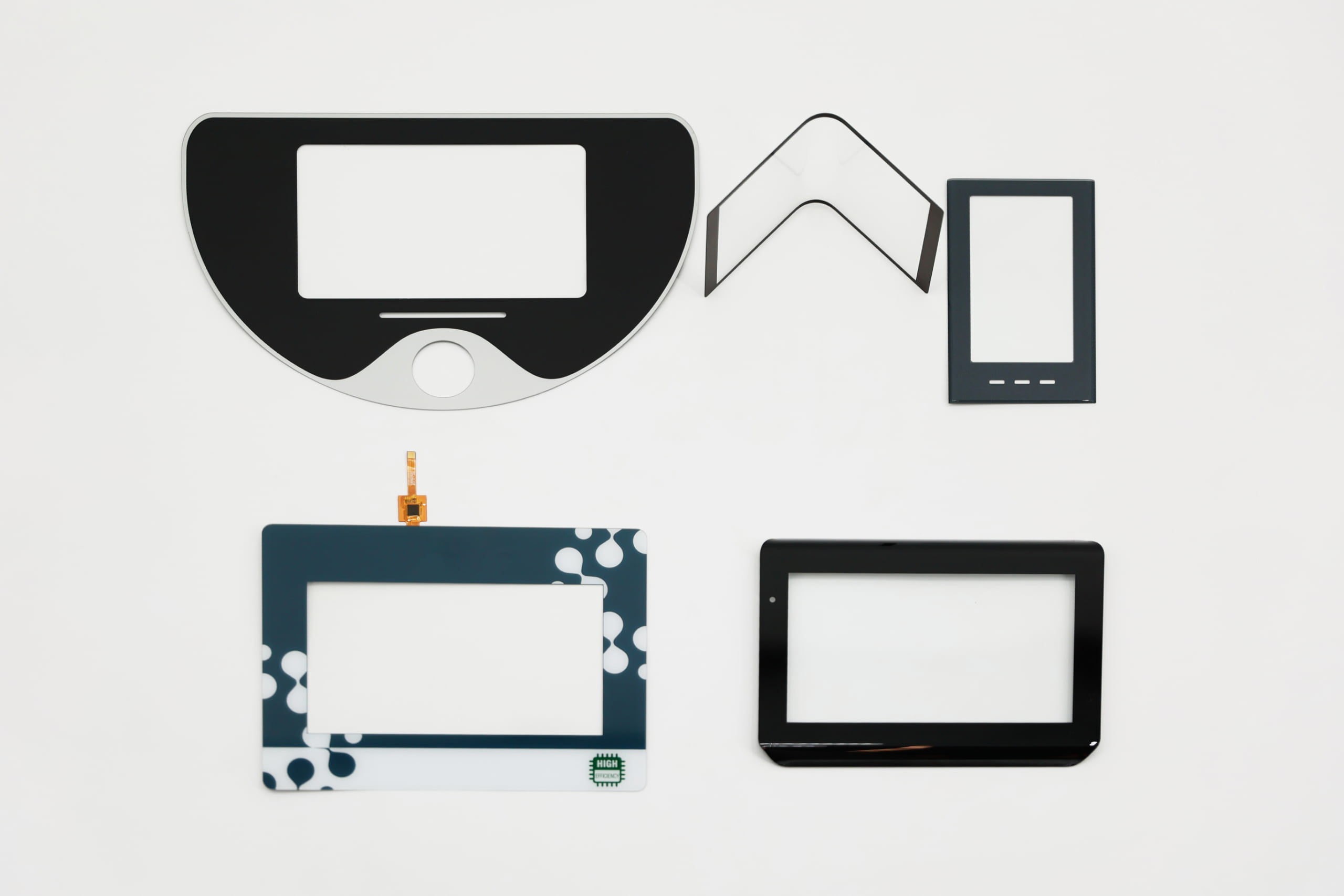 Recommended image filename: capacitive-vs-resistive-industrial-application.jpg
This article will answer:
- How the core working principles—pressure vs. proximity—dictate real-world performance.
- Which technology is truly reliable with thick gloves, any stylus, and contaminants.
- The surprising truth about durability, scratch resistance, and liquid immunity.
- Why multi-touch is just the tip of the iceberg when it comes to user interface capabilities.
- The hidden costs of optical clarity and how it affects power consumption.
- How to accurately calculate the Total Cost of Ownership (TCO) beyond the initial unit price.
- A clear decision framework for specific applications like HMIs, POS systems, and medical monitors.
How do the fundamental working principles of capacitive and resistive touchscreens differ?
The crucial difference isn't about single-touch vs. multi-touch. The one thing that dictates everything else is the activation method.
Resistive Touchscreen = PRESSURE
Think of it as a precision doorbell mat. A resistive touchscreen consists of two flexible layers (usually plastic film coated with a conductive material like ITO) separated by a tiny air gap and spacer dots. When you press on the top layer, it makes physical contact with the bottom layer, completing a circuit at that specific coordinate. The controller then calculates the X-Y position of the touch. It is a mechanical system.
Projected Capacitive (PCAP) Touchscreen = ELECTRICAL FIELD INTERRUPTION
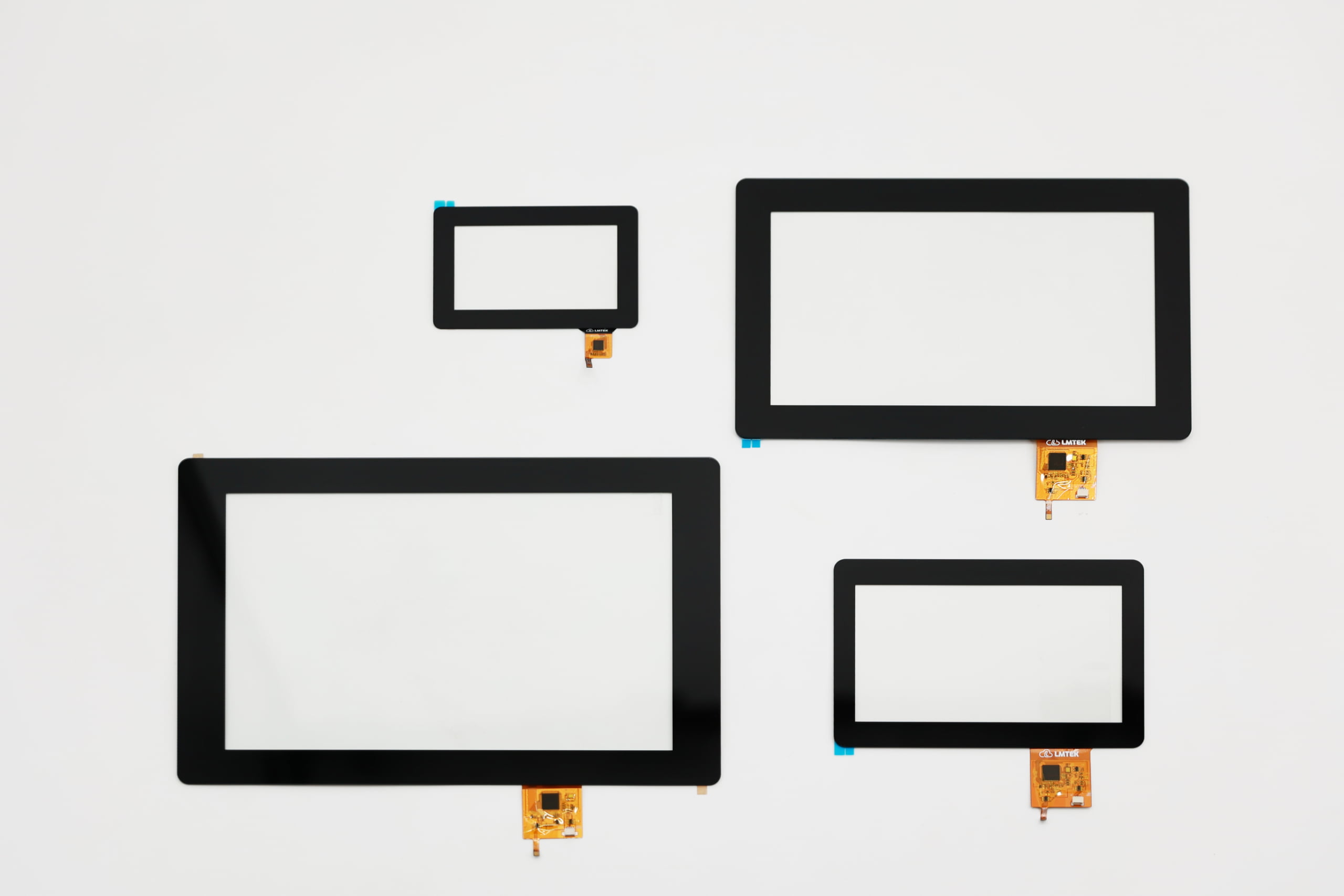
Think of it as a sci-fi proximity sensor. A PCAP screen has a grid of conductive material (like ITO) laminated onto a glass substrate. This grid creates a stable electrostatic field on the surface. When a conductive object like your finger gets close, it disrupts this field. The touch controller IC continuously scans the grid, detects the change in capacitance, and calculates the touch location with high precision. It is a solid-state system.
This single difference—Pressure vs. Proximity—is where 90% of a project's success or failure is decided.
When your operators need to wear gloves or use a stylus, which technology should you choose?
Short answer: For guaranteed operation with any input method, resistive is the fallback winner. For tuned, high-performance glove use, industrial PCAP is superior.
A resistive screen relies on pressure, so it works with absolutely anything: a thick leather work glove, a pen cap, a tool, or a gloved finger. There is no special technology or tuning required. It just works.
A PCAP screen needs a conductive object to disrupt its electric field. This creates a critical challenge in many professional settings.
- Standard PCAP: Will not work with standard, non-conductive gloves.
- Industrial PCAP: Can be tuned for "glove mode." However, its performance depends heavily on the quality of the touch controller IC. A high-end controller can be fine-tuned for specific glove thicknesses, but this requires rigorous testing with the exact gloves your operators will use.
The Brutal Reality: I've seen assembly lines forced to use PCAP devices where workers had to cut the fingertips off their safety gloves. This is a design failure. Do not believe a supplier who says "glove mode works perfectly" without testing it in your real-world environment.
Which touchscreen is more resistant to scratches, liquids, and dust in harsh environments?
This is deceptive. The answer depends on your definition of "resistant."
| Feature | Resistive Touchscreen (The Workhorse) | Projected Capacitive (PCAP) (The Modern Standard) | The Real-World Impact for Your Device |
|---|---|---|---|
| Surface Hardness | Poor. The top layer is soft polyester (plastic), which scratches easily with keys, tools, or abrasive dust. | Excellent. Uses a hardened glass surface that is highly scratch-resistant (Mohs hardness 6-7). | A resistive screen will look worn out quickly, but often continues to function perfectly even with deep scratches. |
| Liquid & Dust | Highly Immune. Since it requires pressure, water droplets, grease, or thick dust will not trigger a false touch. | Highly Susceptible. Water is conductive and will cause "ghost touches" or make the screen unresponsive. | For a food processing plant or outdoor marine application, a standard PCAP is a recipe for disaster. You MUST specify a true industrial-grade PCAP with a high-end controller that has robust water rejection algorithms. |
| Vandal-Proofing | Poor. The plastic surface is easily damaged. | Superior. Can be designed with cover glass up to 6mm thick for public kiosks and rugged applications. | A PCAP screen looks pristine, but a single, deep crack in the cover glass can sever the sensor traces and render the entire screen non-functional. |
If your application requires multi-touch and high-precision gestures, is capacitive your only option?
Yes. When it comes to modern user interfaces, PCAP is the undisputed champion.
Resistive technology is fundamentally a single-point pressure system. While some complex designs can simulate two-point gestures, they are clunky and unreliable.
PCAP, on the other hand, is built for it. The controller can track 10 or more independent touch points simultaneously with pixel-perfect accuracy. This enables the fluid, intuitive gestures—like pinch-to-zoom, rotate, and swipe—that users have come to expect from modern devices.
Future-Proofing: Choosing resistive technology today might limit your ability to adopt next-generation user interfaces. For any device that aims for a premium, modern user experience, PCAP is the only viable path forward.
Which technology has less impact on the underlying display's brightness and clarity?
PCAP offers vastly superior optical performance, and this has hidden cost implications.
- Resistive: The structure includes two layers of ITO film plus an air gap. This stack significantly impedes light, reducing transmission by 20-25%. The result is a screen that appears dimmer, "muddier," and has lower contrast.
- PCAP: With its single glass surface, light transmission can be over 90%, especially when optically bonded to the LCD. Images are brighter, sharper, and more vibrant.
The Hidden Cost of Poor Optics: This is a huge trap for budget planners. To achieve an effective brightness of 500 nits with a resistive overlay, you might need a 650-nit LCD panel. That brighter panel consumes more power, generates more heat, and costs more, completely eroding the initial savings from the resistive touch panel itself. For battery-powered or high-brightness outdoor devices, PCAP is far more efficient.
In terms of cost, lifespan, and power, which solution offers a lower Total Cost of Ownership (TCO)?
While resistive is cheaper to buy, PCAP almost always has a lower Total Cost of Ownership.
Don't just look at the unit price. Consider the entire lifecycle of your device.
| Cost Factor | Resistive Touchscreen | Projected Capacitive (PCAP) |
|---|---|---|
| Unit Cost | Lower. Older, simpler manufacturing process. | Higher. Especially with custom cover glass and advanced controllers. |
| Lifespan (MTBF) | Limited. Flexible films wear out. Typically rated for 1 to 35 million touches at a single point. | Superior. Solid-state, no moving parts. Exceeds 200 million touches. |
| Power Draw | Lower (for the panel itself). | Higher (due to the active controller IC scanning). |
| Maintenance | Higher. Prone to drifting and may require periodic recalibration. Surface can wear out, requiring replacement. | Virtually none. Extremely stable over its lifetime. |
The biggest trap is comparing only the initial unit cost. A resistive screen is a consumable component with a predictable end-of-life. A PCAP screen's failure is rare but can be catastrophic if not properly designed. For a critical 24/7 device meant to last 10+ years, PCAP is the only sustainable choice. The TCO for resistive is often higher due to screen replacements, recalibration downtime, and lower overall device efficiency.
The Secret Weapon: The Touch Controller IC
The touchscreen is just the sensor; the Touch Controller IC is the brain. In the PCAP world, the controller is everything.
- A cheap, consumer-grade controller will fail with the slightest moisture, have poor glove performance, and be susceptible to electrical noise (EMI) from nearby motors.
- An industrial-grade controller (e.g., from EETI, ILITEK) is the magic sauce. It has sophisticated firmware to:
- Actively filter out EMI.
- Implement true water rejection (distinguishing a finger from a stream of water).
- Allow fine-tuning of sensitivity for different glove types and thicknesses.
Pro Tip: When sourcing a PCAP solution, always ask for the brand and model of the controller IC. If your supplier says "it's a generic one," run away. That single component determines whether your device will be reliable or a source of constant field failures.
How do you make the final decision based on your specific application?
There is no single "best" technology. The right choice is the one that best fits your application's unique demands.
Choose RESISTIVE when:
- Universal Input is Non-Negotiable: The device absolutely must work with any type of thick glove, tool, or stylus.
- Environment Contains Non-conductive Contaminants: The screen may be covered in dry dust, dirt, or grease.
- Budget is Extremely Limited for a Low-Usage Device: The absolute lowest initial cost is the top priority, and lifespan is not a primary concern.
- Examples: Simple control panels on legacy machinery, meat processing plants (where operators wear thick gloves and screens are greasy), disposable diagnostic devices.
Choose CAPACITIVE (PCAP) when:
- Modern User Experience is Key: The application requires multi-touch, fluid gestures, and high precision.
- High Durability & Aesthetics are Required: The device needs a scratch-resistant, easy-to-clean glass surface that looks modern and professional (e.g., public kiosks, medical monitors).
- High Optical Clarity is a Must: For outdoor/high-ambient-light devices, medical imaging, or any application where display quality is paramount.
- Long-Term Reliability is Critical: The device is expected to have a long service life with minimal maintenance.
- Examples: Modern Human-Machine Interfaces (HMIs), Point-of-Sale (POS) systems, medical monitors, outdoor information kiosks, vehicle dashboards.
About LMTEK
At LMTEK, we understand that a touchscreen is not just a component; it's the core of your user's interaction with your product. We don't just sell touch panels; we provide integrated display solutions. Our expertise lies in selecting the right combination of LCD, touch technology, and—most importantly—the touch controller IC to guarantee performance in your specific environment. We specialize in tuning industrial PCAP solutions for challenging requirements like glove use, water immunity, and high EMI, ensuring your device is reliable from day one.
Ready to select a touch solution you can trust? Contact our engineering experts today for a free consultation and a TCO analysis for your project.